
What I'm doing now.
Inspired by Derek Sivers: a living snapshot of what has my attention.
Photoshop, connected to Claude
I've set up a local MCP connection that lets Claude work with live Photoshop documents. My first test was production work: using Claude to rename layers all at once in a complicated composition (based on the content of the layer) and then auditing four Meta ad images for consistency.
So far, the ability to manage the Layers panel is already life-changing.
This is the kind of workflow I want to explore: give Claude a clear production task, let it inspect and organize the working files, then use my design judgment to decide what needs attention.
A shout-out to Mike Chambers, who created adb-mcp, the open-source project that connects Claude to Photoshop through MCP.
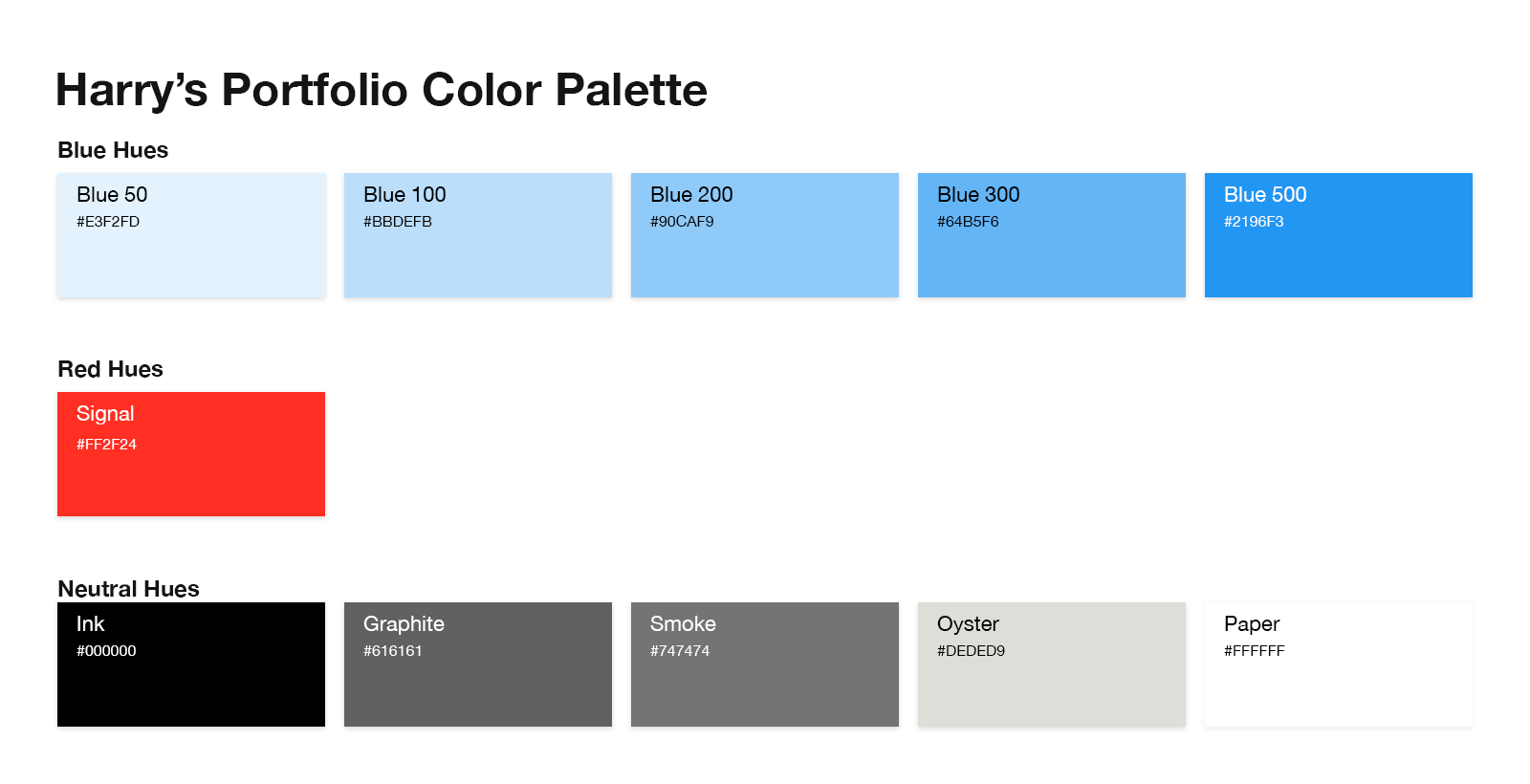
I created the color palette below entirely through Claude. I gave it the color names and hex values, described the general layout I wanted and let it run. I did not touch a single Photoshop tool to create it.
YouTube Pipeline for My Research Library
I save a video to a YouTube playlist. Automatically, its transcript, summary and key takeaways are in my research library.
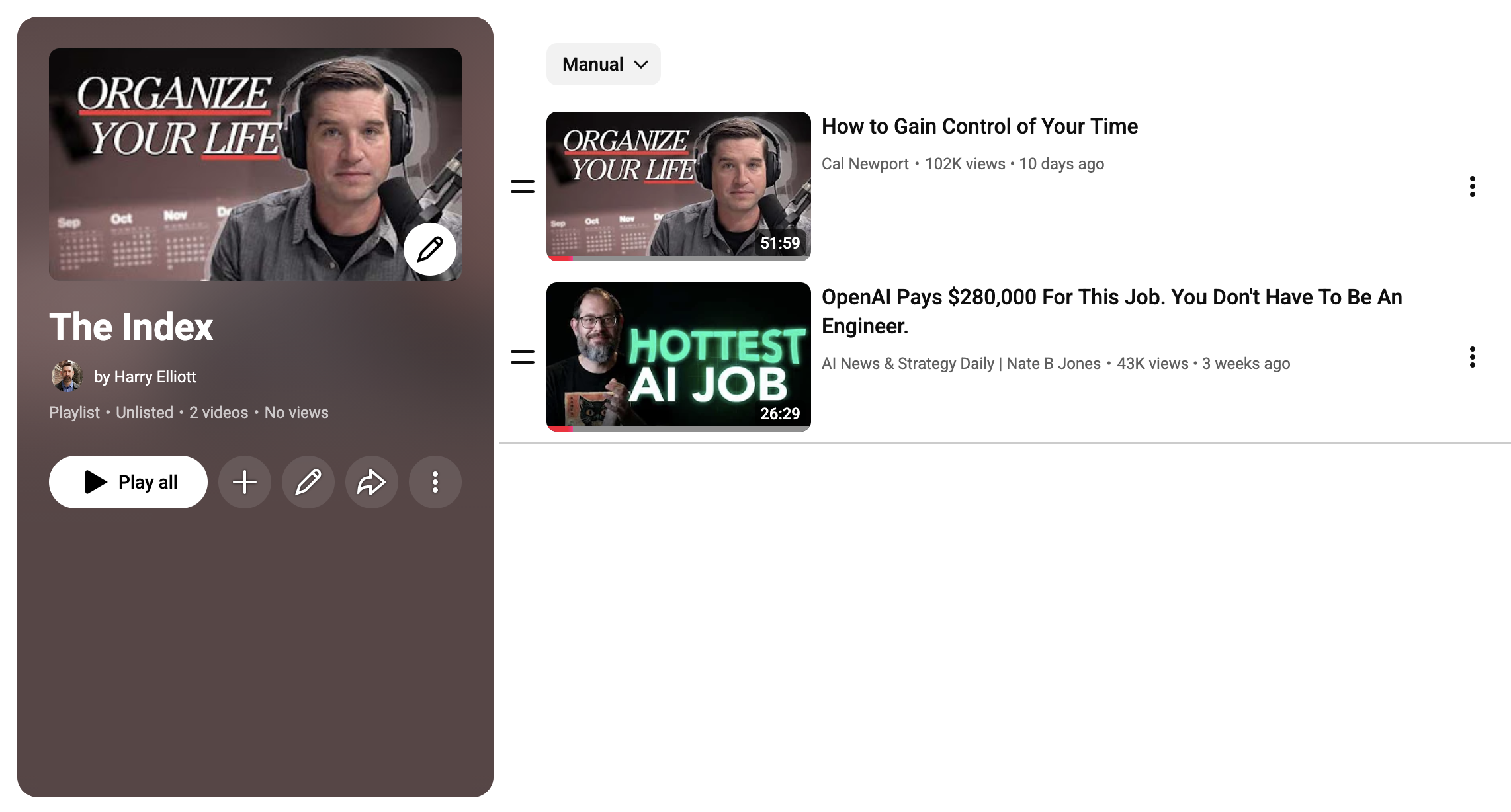
Behind the scenes, a Python script on my Mac checks the playlist hourly and downloads captions with yt-dlp. Claude Code cleans up punctuation, paragraph breaks and obvious caption errors while preserving the speaker’s actual spoken words. Claude also produces a clean, concise summary and key takeaways based on what Claude already knows about me.
Everything goes into The Index (the searchable library I built for books, transcripts and written sources of any kind) as well as Evernote, my note-taking app for the past 15 years. So now I can search a Cal Newport or Nate B. Jones episode alongside their written work.
Next: migrating it to a Mac Mini home server so it can run even when my laptop is closed.